Layers, blend modes and cutouts
Work in layers, mix with blend modes, remove backgrounds with AI and export PSD with layers.
- Layers
- Blend
- PSD
Edith is a free online image editor, a complete editing software for design: layers, Bézier pen, vectorizing, AI background removal, text, PSD and SVG. No sign-up, on desktop or mobile.
Professional editor tools, made to be simple to use.
Remove the background of a photo in one click, or mark the object with a click, a box or a brush.
Move, rotate, flip, group and reorder elements, like in a professional editor.
Outline, shadow, gradient and your own computer fonts, right on the text.
Rectangles, stars, linear, radial and mesh gradients, plus hand-painted light effects.
Turn logos and drawings into vectors and download them as SVG.
Convert photos to pixel art (Game Boy, PICO-8, 8-bit), halftone and threshold, with live preview.
A Bézier pen and a smart pen that recognizes shapes and smooths strokes.
Brightness, contrast, per-color hue, eyedropper and colors by HEX code.
Export wherever you need, with layers in PSD and an editable .edt project.
Touch-first interface with pinch gestures, installable as an app.
Automatic saving. Nothing is uploaded to any server for editing.
Full interface in English, Portuguese and Spanish.
If you already work with design, photo editing and vector drawing programs, you will recognize what matters: layers, Bézier pen, vector, text, shapes, rulers and professional exports. Nothing to install, no sign-up.
Work in layers, mix with blend modes, remove backgrounds with AI and export PSD with layers.
Draw curves with the Pen, turn PNG into vector and export SVG or PDF.
Posts, carousels, covers and a content calendar with templates and sizes for each network.
Rulers, guides, alignment, shapes and text with fine control to build organized layouts.
Edith is an independent project. It opens and exports common formats such as PNG, JPG, SVG, PDF and layered PSD.
Click to create points, drag to make Bézier curves and close the shape by clicking the first point. The Smart pen recognizes hand-drawn shapes and makes them perfect.
Vectorizing turns a pixel image into curves. The result scales from a business card to a billboard without losing quality, and you can still recolor it and edit the points.
Honest tip: photos full of detail do not make good vectors. For logos, lettering, signatures and line drawings it works great.
Schedule your posts on the calendar with date and time. When the moment comes, the mascot shows up and tells you, so you do not have to remember.
Alerts appear while Edith is open in your browser. With notification permission, she also alerts you when the tab is in the background. Your reminders are saved on this device.
Animate your logo to open videos, close Reels or announce a partnership. No animation software, no complicated timeline: pick, tweak and download.
In the editor: Create with Edith > Logo motion.
Colors, icons, bars and tools: customize every detail and watch Edith transform. Tap a tool to see it.
Relight turns on a rim light around the person in the photo, like a studio. Drag the light and watch the glow follow the volume.
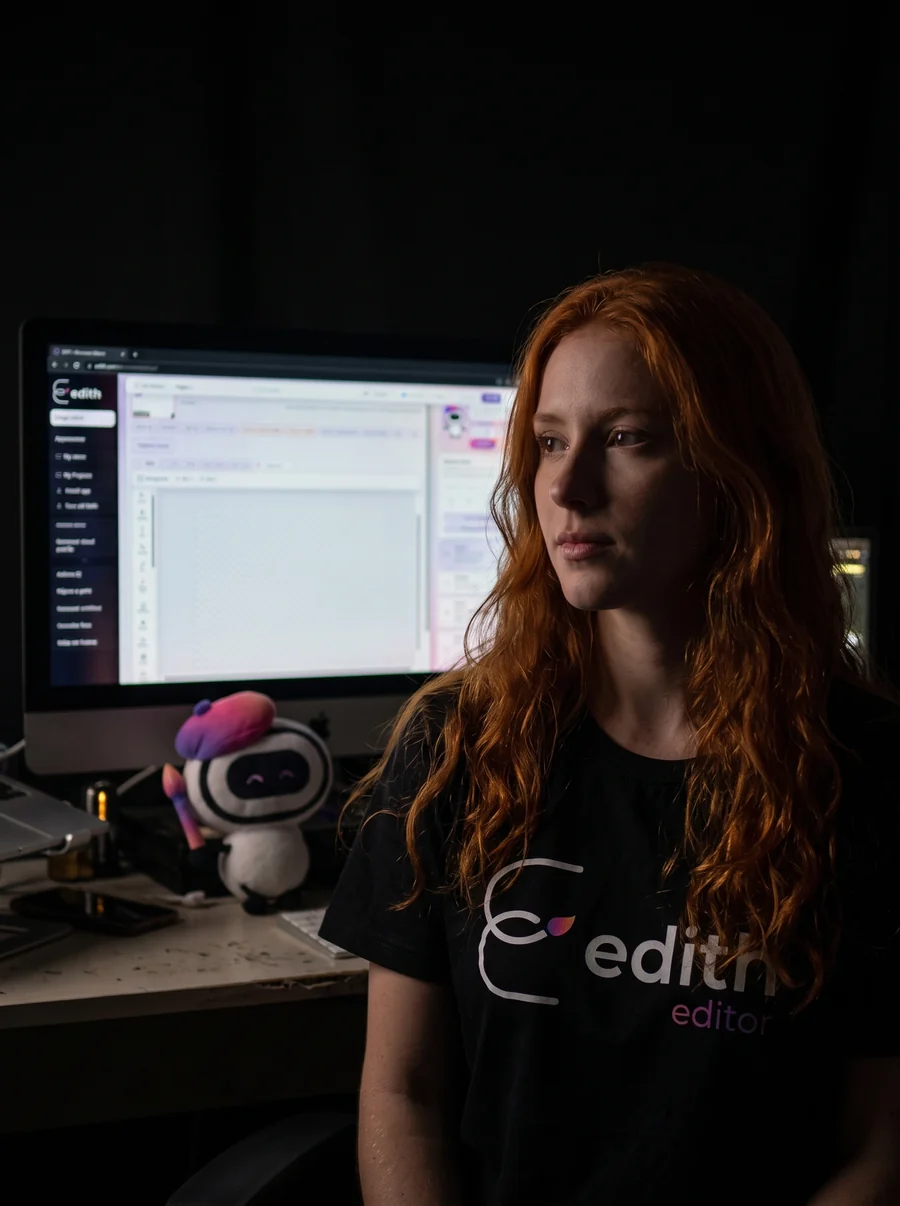
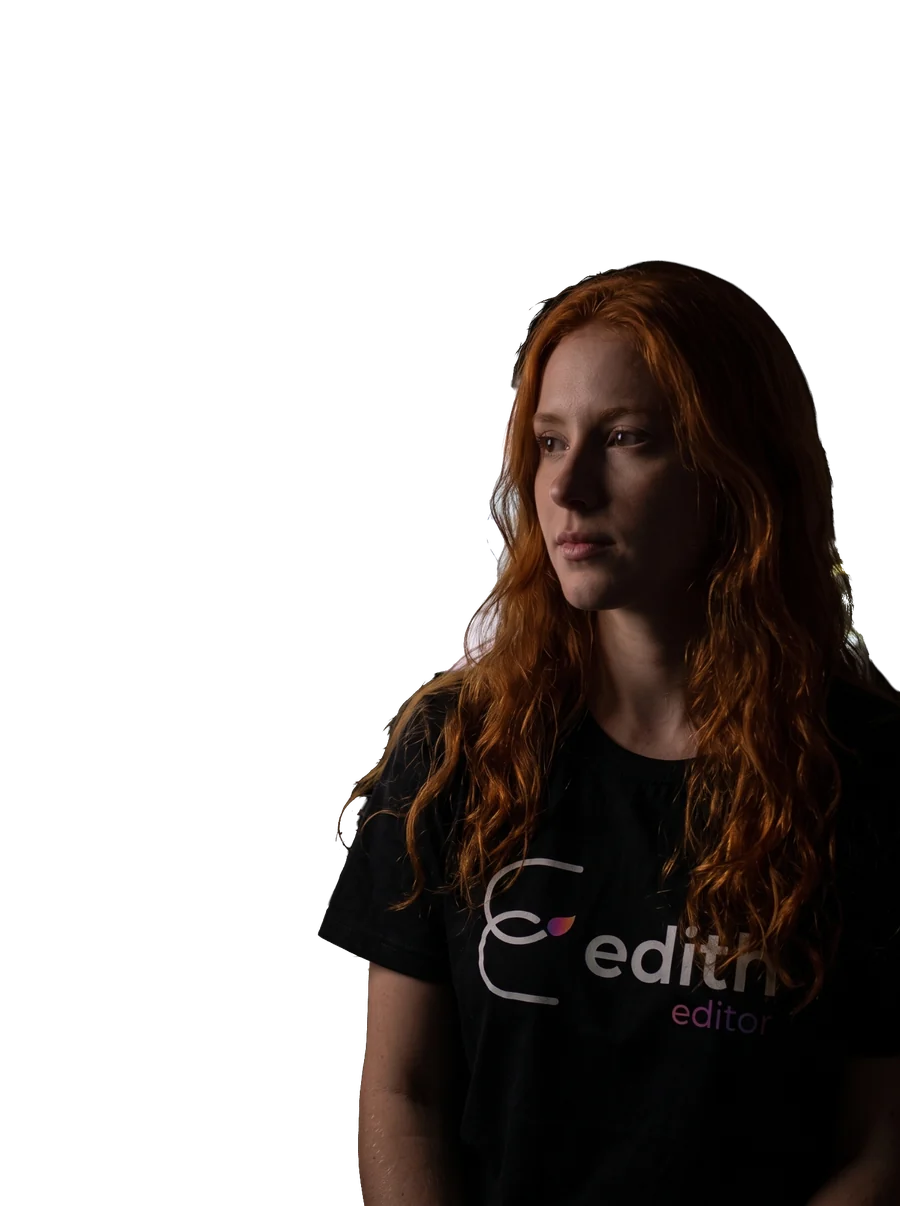
Move the light
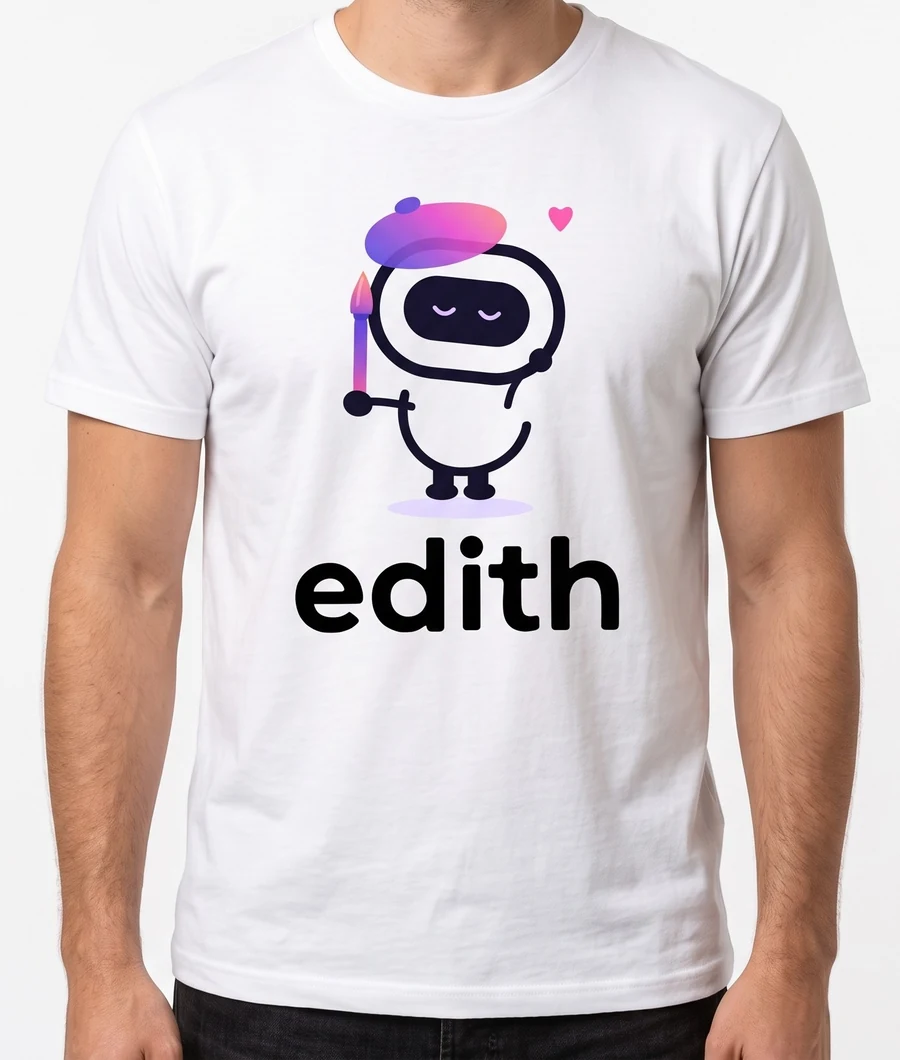
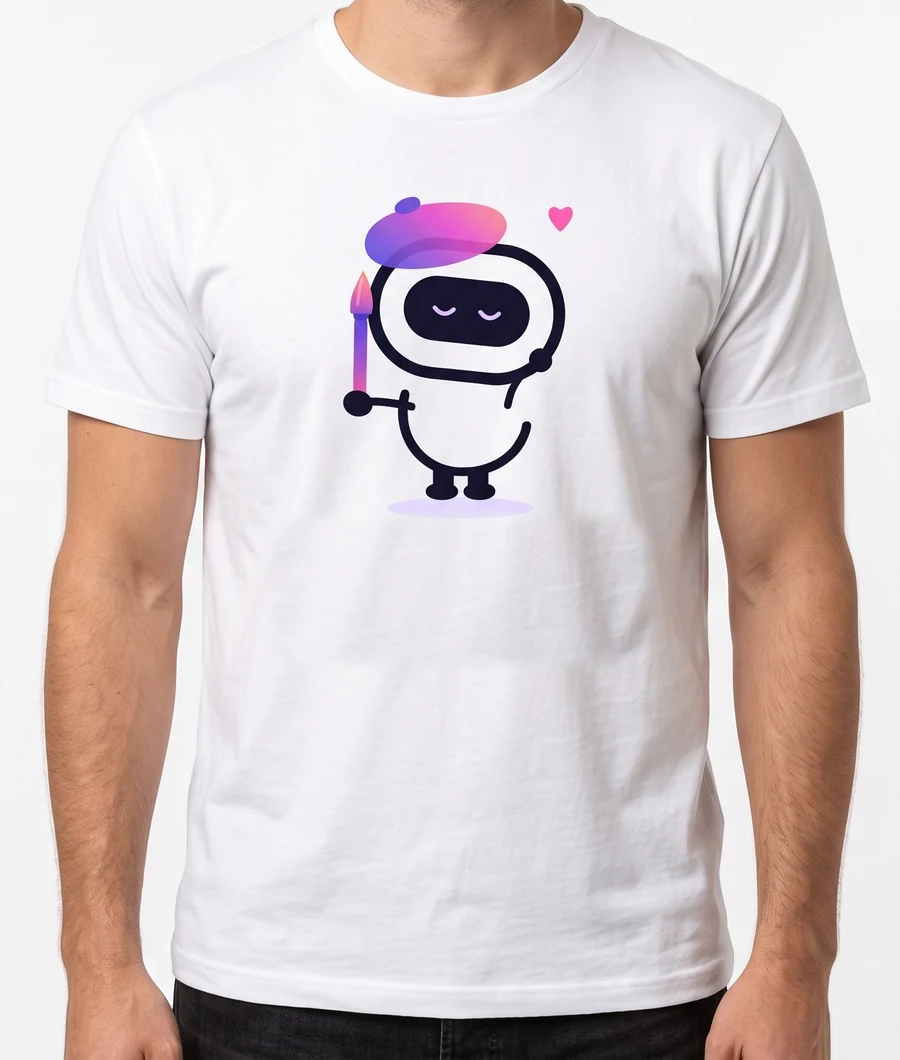 BeforeAfter
Mark the object and it disappears from the photo. Here the word leaves the T-shirt and the fabric stays natural.
What you need to post lives inside Edith: build the video cover, caption the speech with AI, cut into several formats and plan the content month. Free, right in your browser.
Pick from 70+ models, type the title and watch the live preview. Make several covers at once and keep your profile looking consistent. The safe zone shows where the app covers the image.
See howTitle, photo and your brand colors, ready for YouTube, TikTok and Shorts. You can make a cover for each cut and download everything as one ZIP.
See howEdith transcribes the speech in your browser, you fix the text and pick a style, with word-by-word highlight. In Portuguese, English and Spanish.
See howMark the segments, pick the formats and export everything at once, with captions and cover included. One long video becomes several posts.
Meet the studioReady-made shortcuts for people who live on social media. Everything stays editable.
Caption transcription runs in your browser. The first time, the voice model has to be downloaded; after that the app reuses what it already downloaded. Always review the text before posting.
Things other editors do not offer together, in one place and free.
Open a video, step frame by frame and save the perfect frame as an image.
Open a GIF, edit colors and quality, and save at the size you want (KB or MB).
Open a PDF, change text and images and download it again, without leaving the editor.
Place your art on a phone, T-shirt, mug and more, in one click.
Edith creates with you. She has a style of her own and you discover the rest as you go.
Edith grows with the people who use it. Send ideas, report problems through the contact page and share it with people who love to create. Every suggestion we read goes onto our improvement list.
Change colors, icons and bar styles, pick your layout and make the editor yours. Edith has plenty for you to customize too.
To create is to decide, little by little, what matters.Edith
Short step-by-step guides for the most common jobs in the editor.
Yes. Edith is free today. Some advanced features may become paid in the future, and we will tell you before any change.
Not to edit. Your projects are saved in your device's browser. To take a project to another device, save it as an .edt file.
Open the photo, choose Erase background and use Automatic mode. To keep just one object, use Select object: click it, drag a box or paint over it.
Yes. The interface is built for touch, with pinch to zoom, and can be installed as an app.
Editing happens on your device.
PNG, JPG, SVG, PDF, PSD with layers and the editable .edt file.
Open Create with Edith and choose Reels covers. There are 70+ models with a live preview: type the title, adjust colors and photos and download the vertical 9:16 image. The safe zone helps you keep the title out of the areas the app covers.
Yes. In the Video studio, AI transcription runs in your browser, in Portuguese, English or Spanish. You fix the text, pick the caption style and export. The first time, the voice model has to be downloaded, and it is worth reviewing the text before posting.
Yes. In the Video studio you mark the cuts, pick the formats and export everything at once, with cover and captions.
Carousels, animated posts, variations of the same post, customer reviews, mockups, a content calendar and print files, among others. It all lives in the Create with Edith menu.