How to customize the Edith interface: themes, colors, bars and tools
One of Edith's strengths is that the interface is yours. You choose how the editor looks, where menus sit, which tools come first and even the name of each tool. Everything is saved in your browser.
1. The Appearance window: themes and colors
In the side menu, click Appearance. The Platform appearance window opens with ready-made models such as Edith, Mesh gray, Clean light, Dark and Lilac and peach. Pick one and the look changes instantly, no reload needed.
After choosing a model, fine-tune each area in the tabs: page background, side menu, panels, bars, texts, highlight, icons and cursor. Each tab lets you pick a solid color or gradient and the opacity.
2. Legibility meter for the interface itself
In the bars tab (and other areas with text), Edith lists each kind of interface text with its contrast ratio, marked readable or low contrast. So when you build a beautiful theme you find out if any text became hard to read before you start working.
3. Side menu or top bar
Under Menu position choose Side or Top bar. The top bar frees screen width for the editing area, which helps on laptops and small screens. You can also collapse the menu.
4. Organize your tools
Each tool can be moved and renamed. In the toolbar click Organize: arrows appear to change order and a pencil (✎) to rename. You can also drag. When done, click Done. Put your most-used tools first.
5. Pinned layers and other panels
The Pinned layers button keeps the layer list always open and lets you choose where it sits: drag it by the top or use the buttons to dock it left or right. The position is saved.
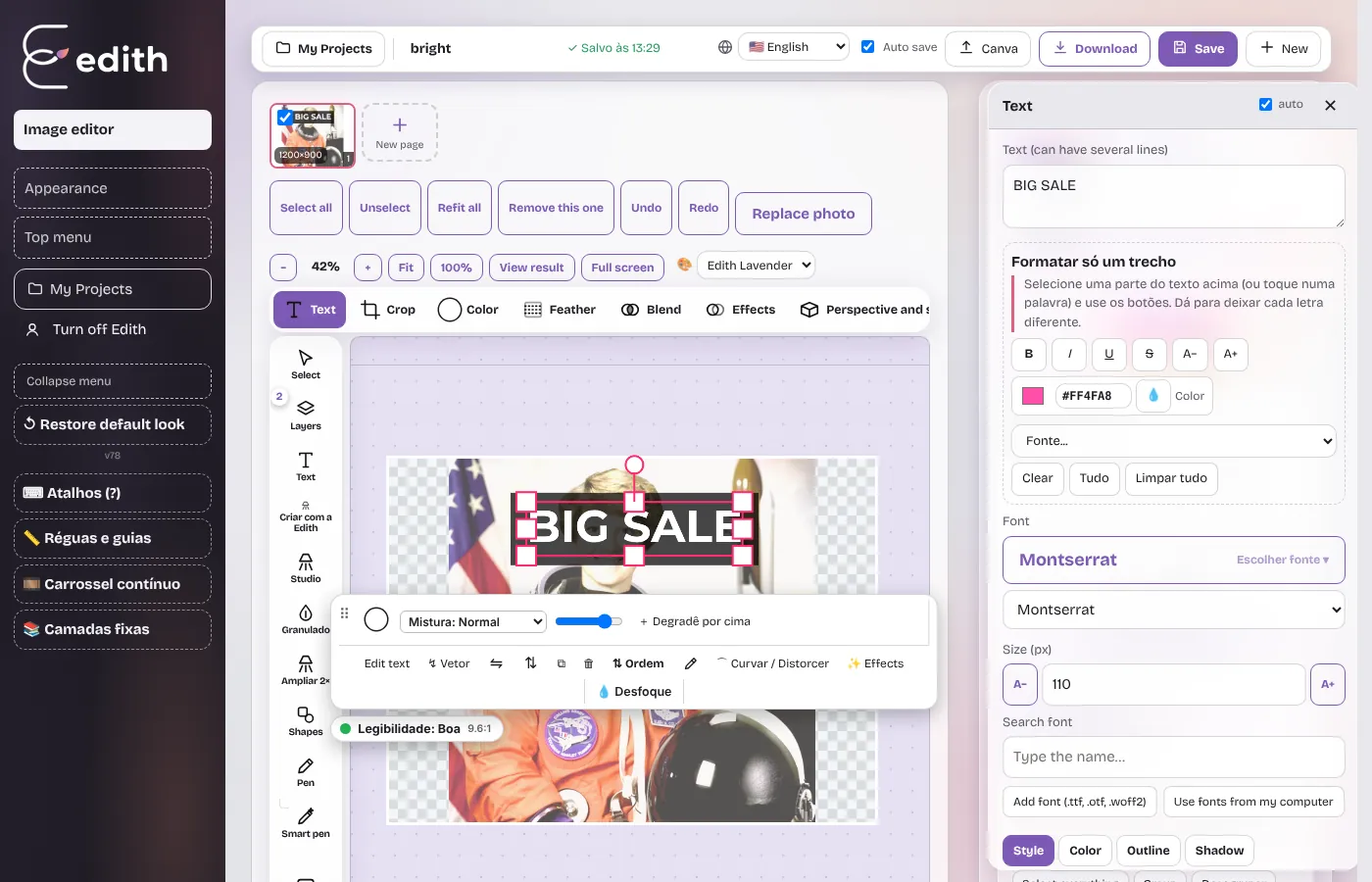
6. Restore the default look
If customization got confusing, Restore default look returns everything to the original with one click.
Customization tips
- For work with lots of color, prefer neutral themes (Clean light or Dark) that do not distort your perception of the art colors.
- Use the contrast meter to make sure no interface text is unreadable.
- On small screens, use the top bar and collapse the menu.
- Rename tools to terms that make sense in your workflow.
Ready to try it?
Edith is a free online image editor that runs in your browser, no sign-up.
Open Edith (free)